
Every React resource
you'll ever need
Discover the best React libraries, tools, and resources — carefully curated, easy to search, and built to save you time.
1.1k installs on the VS Code Marketplace
How it works
Up and running in three steps
No config. No setup. Just install and start discovering.
Install in seconds
Search for "ReactToolkit" in the VS Code Extensions panel, or install directly from the Marketplace.
Open the sidebar
Click the ReactToolkit icon in your activity bar to reveal the full resource panel right inside your editor.
Search and discover
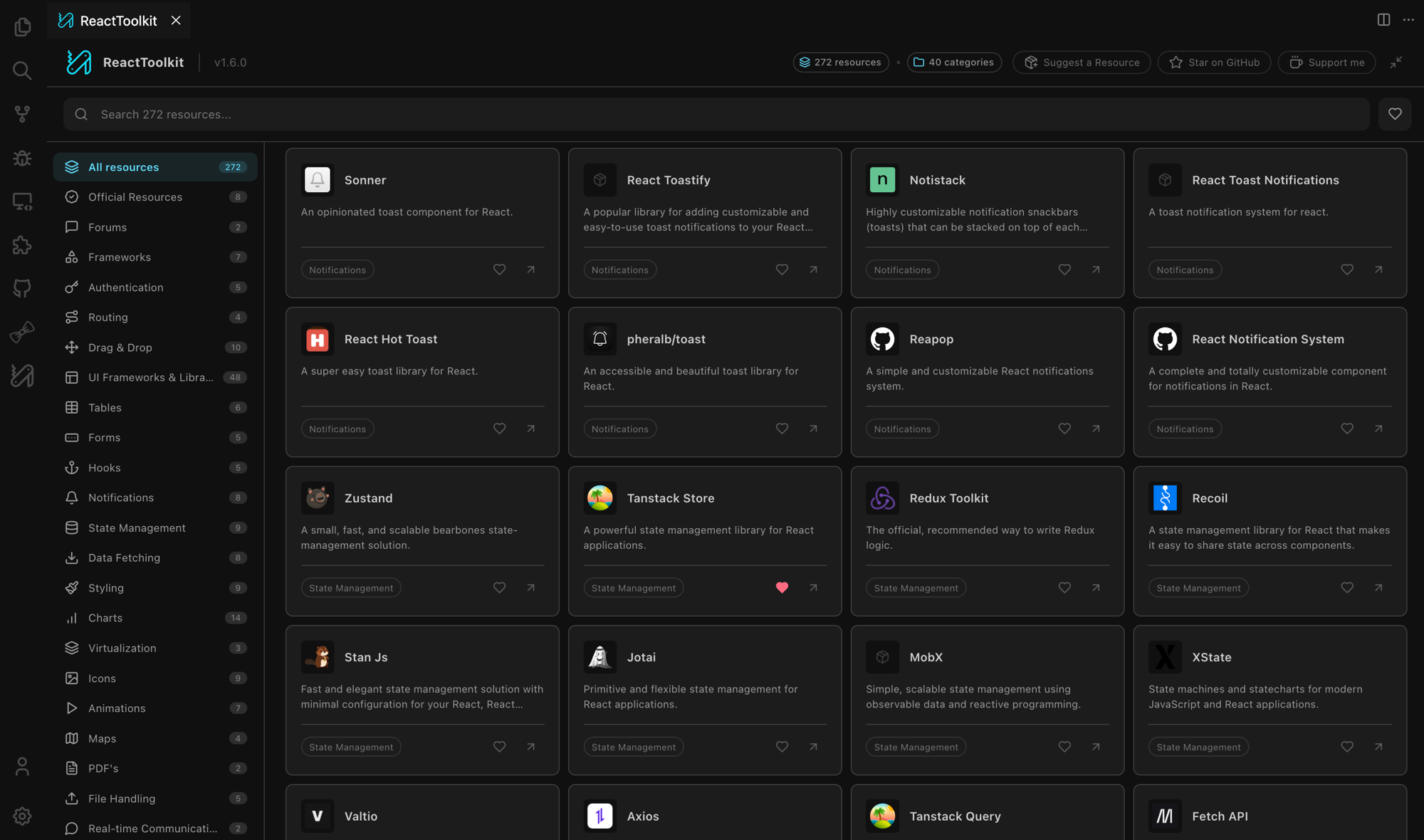
Use instant fuzzy search across 270+ curated resources. Filter by category, save favorites, and open links without leaving your editor.
Features
Everything you need, right in your editor
Built for developer experience. No context switching, no browser tabs.
Instant Search
Find any library or tool in milliseconds with fuzzy search across names, descriptions, and categories.
Favorites
Bookmark your go-to resources and access them instantly. Favorites are persisted across sessions.
Expandable Panel
Pop out the toolkit into a full-width panel with a card grid layout for a richer browsing experience.
Curated Quality
Every resource is hand-picked and vetted. No spam, no outdated links — just the best tools.
"New" Badges
Stay up to date. New resources are highlighted so you never miss what was recently added.
Community Driven
Open source and community maintained. Suggest resources or contribute directly on GitHub.
Get Started
One install. Everything you need.
Add ReactToolkit to VS Code and get instant access to 270+ curated React resources — no browser, no distractions.
1.1k installs on the VS Code Marketplace